Security designed around you
Protection is built into every step, from logging in to sharing information, so you can focus on what matters.
Need help with your account?
If you notice something unusual, start here to protect your Singpass account.
Suspend your Singpass account
Block access immediately while you check what happened.
Report unauthorised access
Tell us if you notice activity you don’t recognise.
Reset your password
Think your password is compromised? Reset it to secure your account.
Safer ways to verify it’s you
We’re always strengthening our security to stay ahead of evolving threats, with modern safeguards that help protect your account from phishing and scams.
Your passkey only works with official Singpass logins, helping protect you from fake websites and phishing.

Singpass Face Verification confirms it’s really you by scanning your face in real time and matching it against government records.
Know when it’s really Singpass
Take a moment to confirm where you’re logging in and which service is requesting access
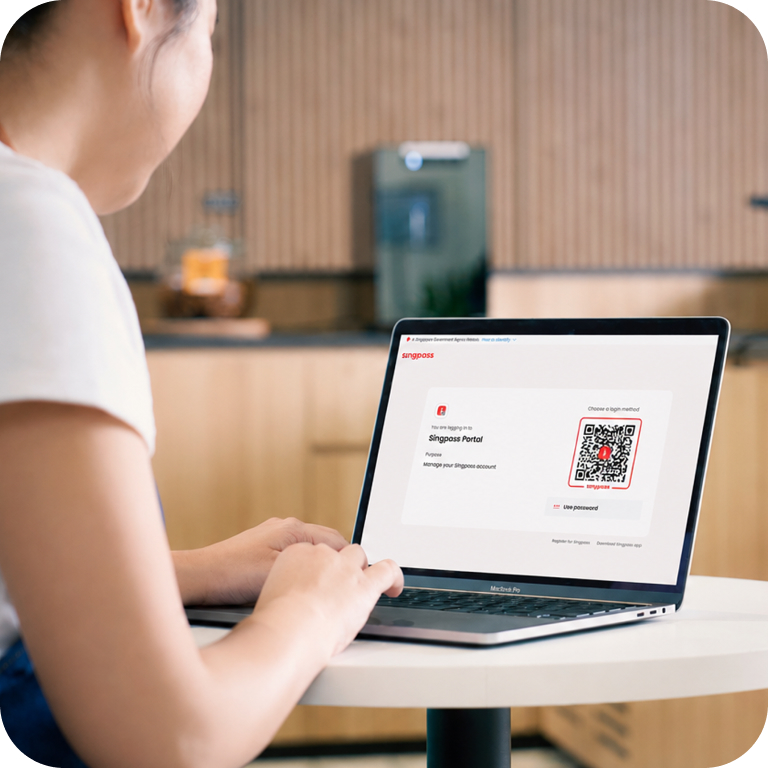
On the web
Look for singpass.gov.sg and the lock icon in the address bar before you continue.
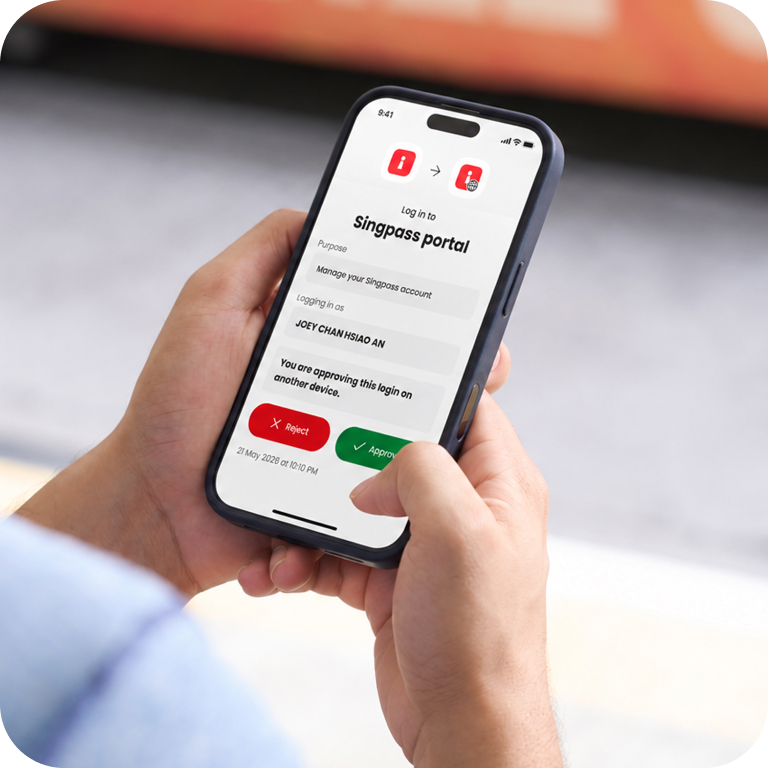
In the Singpass app
Check the service name shown in the app before you continue.
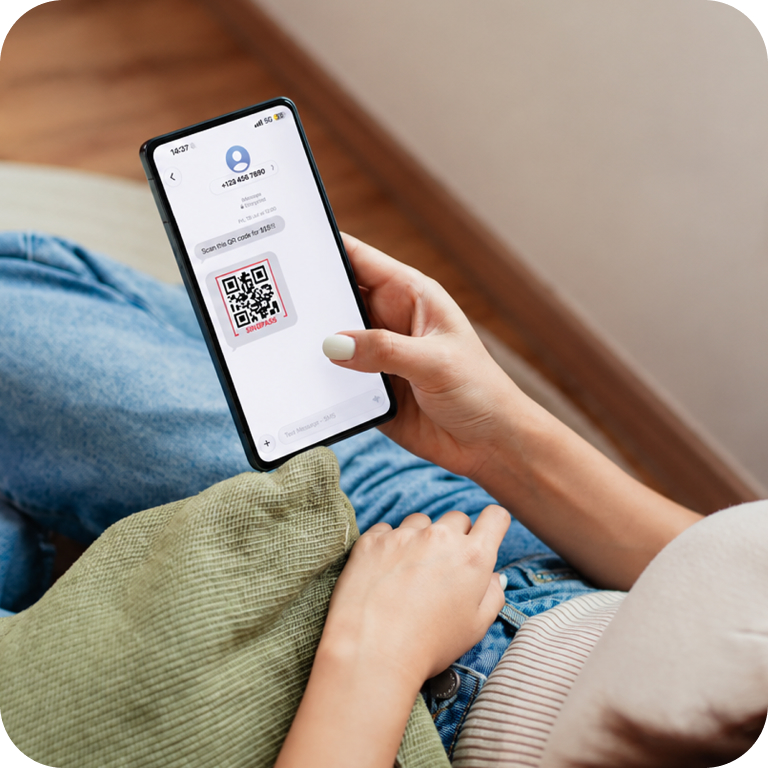
Spot suspicious SMSes, emails or calls
Singpass will never send you links or QR codes via SMS or WhatsApp.
Ways to keep your account safer
-

Keep your login details private
Never share your Singpass password, passcode, or one-time passwords (OTPs) with anyone.
-

Log out when you’re done on desktop
Especially when using a shared or public device.
-

Use only your own biometrics
Set up only with your fingerprint or face on your device.
-

Keep your device up to date
Install the latest software and security updates from official sources.