Your identity,
always with you

For everyday tasks and life’s big moments, Singpass helps you prove who you are and access services securely.

Singpass is Singapore’s national digital identity, giving you access to important services and personal information, all in one app.

Download Singpass app QR code for downloading the Singpass app. Scan it with your phone camera.

Scan with your phone camera to download Singpass

New

Level up your login with passkeys

Passkey Quest game

Made for everyday tasks

Access 1,800+ services

Securely access government, banking, healthcare and other services with one Singpass login.
Fill forms in one click

Skip manual entry. Your details are filled automatically using information from official sources.
Sign documents securely

Your digital signature can’t be forged or copied, and any changes after signing can be detected.

View personal information

See your CPF balance, HDB details, passport expiry, driving licence and more — all retrieved from official sources.

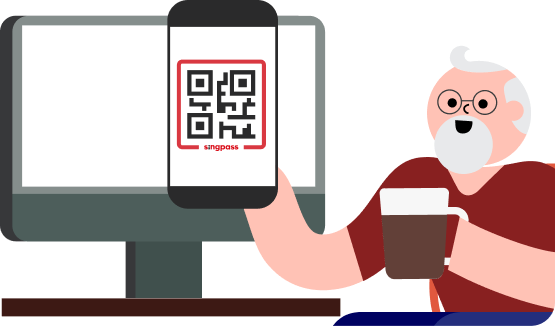
Log in safer with Singpass

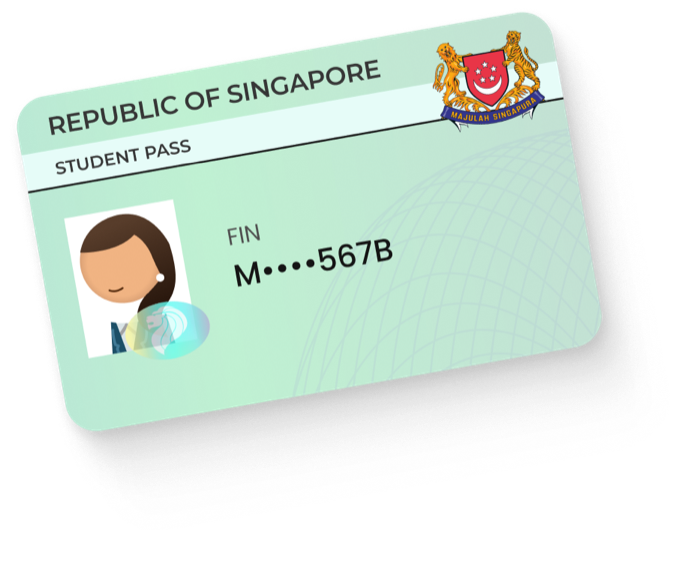
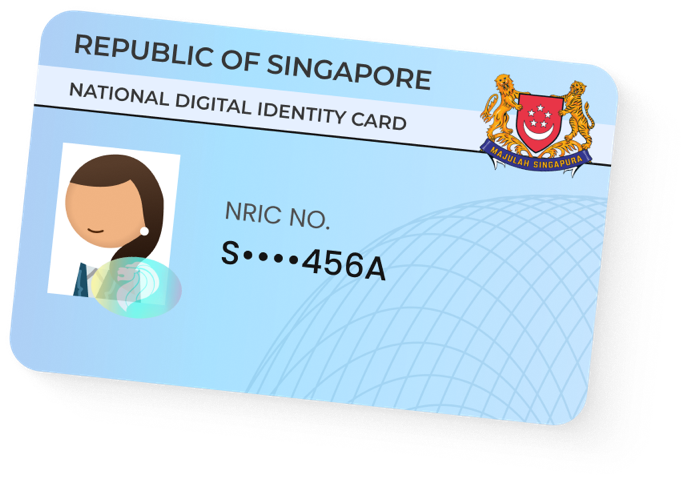
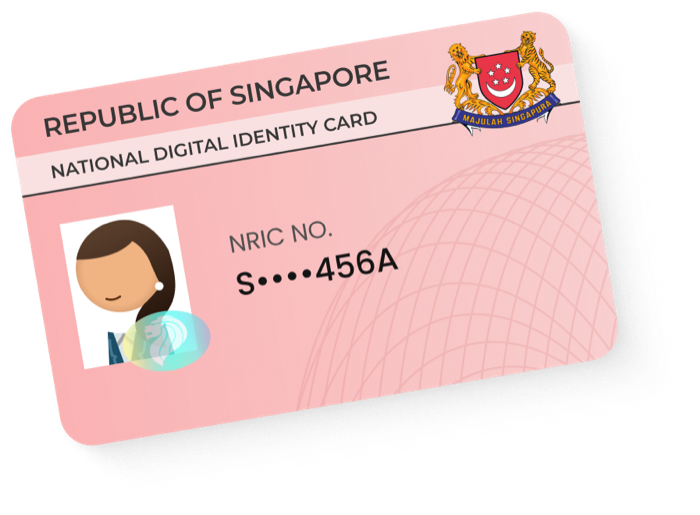
Carry your identity everywhere

Access services with one login

New to Singpass?

Just turned 15 or new to Singapore? Set up your account and start accessing the services you need.


Get started
Man using the Singpass app
Business owner using Singpass

Your identity
at work

From starting small to growing your business or managing a multinational, Singpass helps you securely access business services, file taxes and more.

Explore Corppass

Make Singpass part of your product

Bring Singpass identity services into your product to make onboarding, verification and transactions simpler for the people you serve.

Explore developer portal

1,800+ Integrated services across government and private sectors

5.5M Singpass accounts

99.9% Uptime service level availability

Create a passkey in the Singpass app

QR code to create a passkey in the Singpass app. Scan it with your phone camera.
  1. 1. Scan this QR code to launch the Singpass app

    Don’t have the app? You will be redirected to download it from the official app stores.

  2. 2. Create a passkey that will stay securely on your device

Learn more